You can create your own custom widgets for your dashboard.
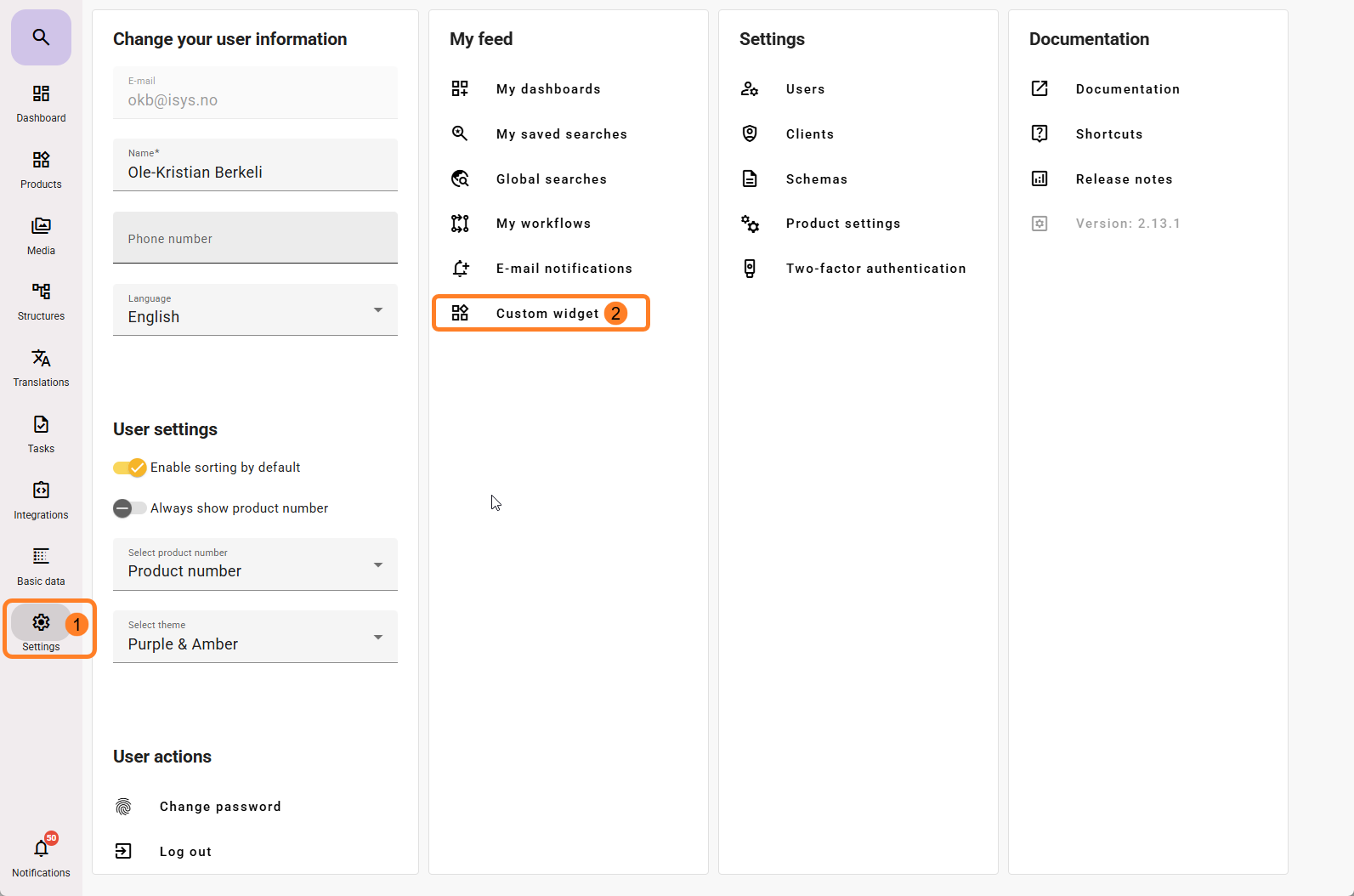
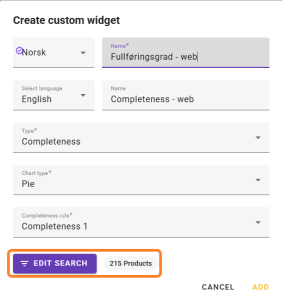
Go to Settings → Custom Widget to create a new widget.
You must give the widget a name. This widget will be available to all feed users who can create dashboards, so make sure to add the name in the languages available in the feed if you have users using different languages.
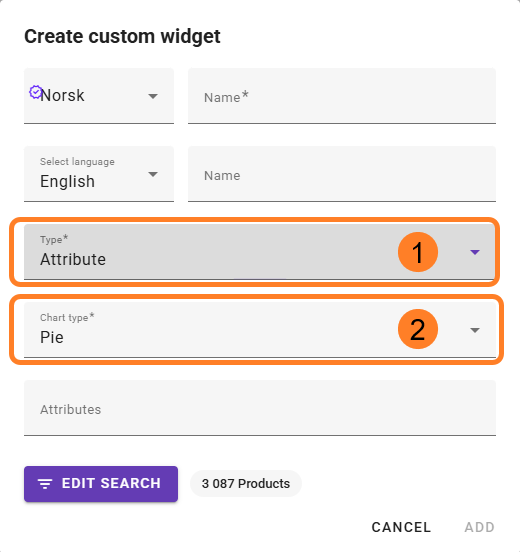
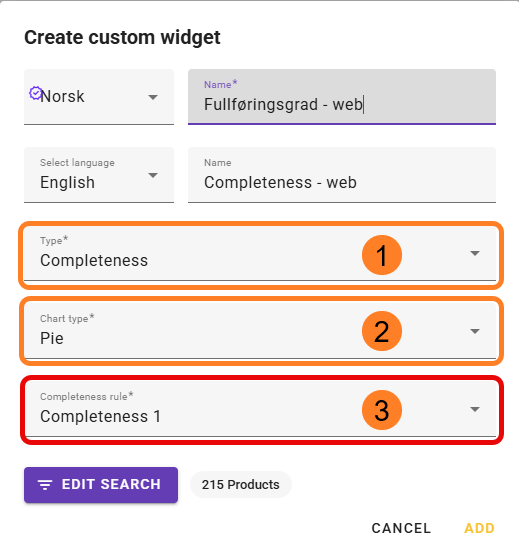
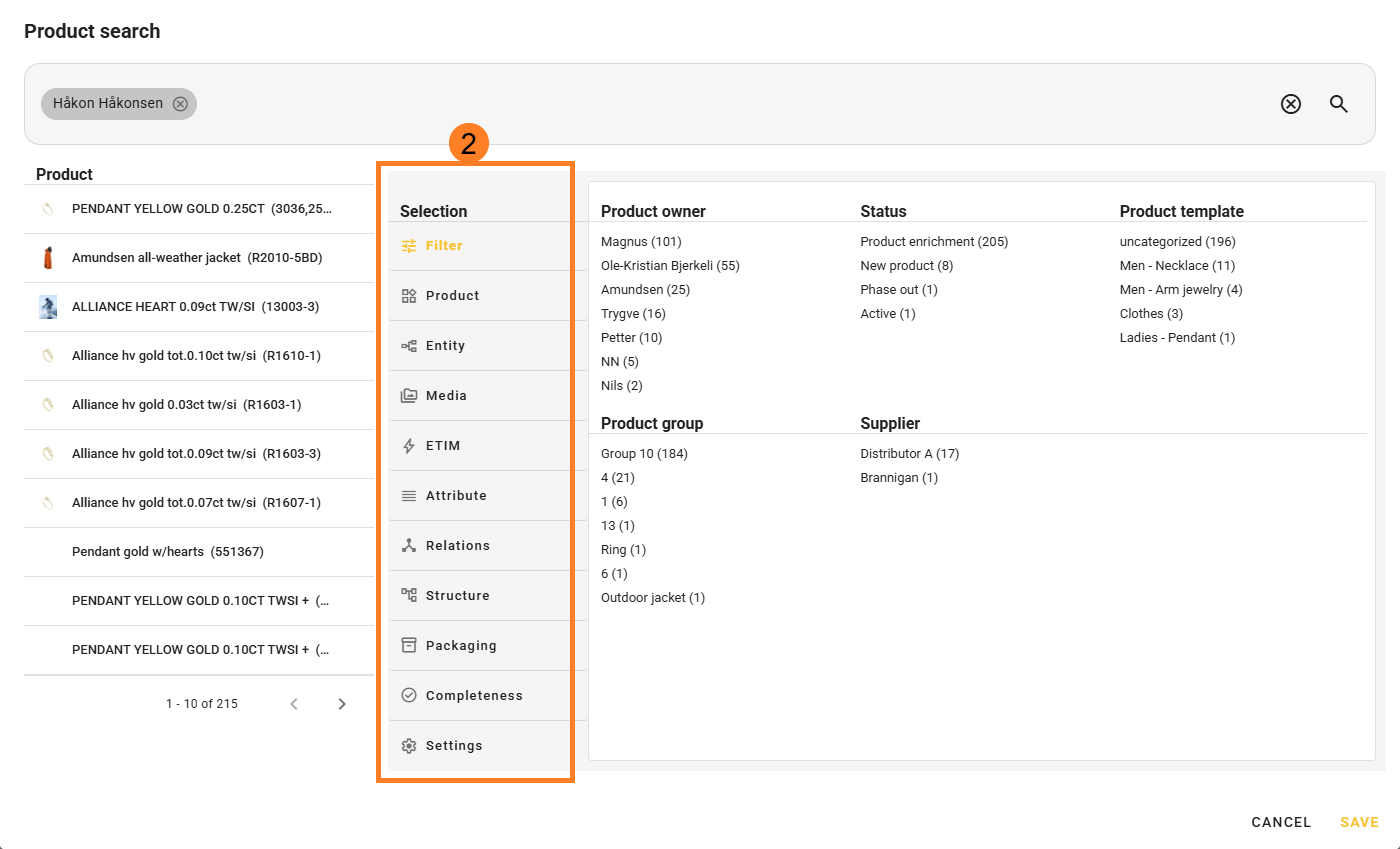
Edit Search allows you to filter which products should be included in the widget.
If you do not click this option and simply click Add, all active products will be included in the selection.
Once you have added the custom widget, it will be available to add to the dashboard. Read more about this here.
Example of Dashboard Custom widget attribute element: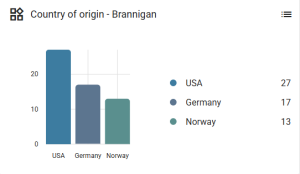
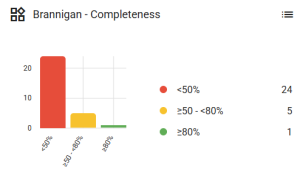
Example of Dashboard Custom widget completeness element: