
...
Start by building the high-level chapter structure for the catalog as a folder structure.
Test layout and generation frequently:
Reduce DPI to speed up generation while testing.
Test the sub-structure you are working on; it is faster than generating the entire catalog every time.
Work with a small structure until you are satisfied with the template design.
Use the shortcut in the context menu on folders to quickly upload updates/changes to design templates, instead of navigating to the template overview each time.
Use folders inside chapters to switch templates or folder-level content to create more variation in the catalog—just remember to set those folders to not be included in the ToC.
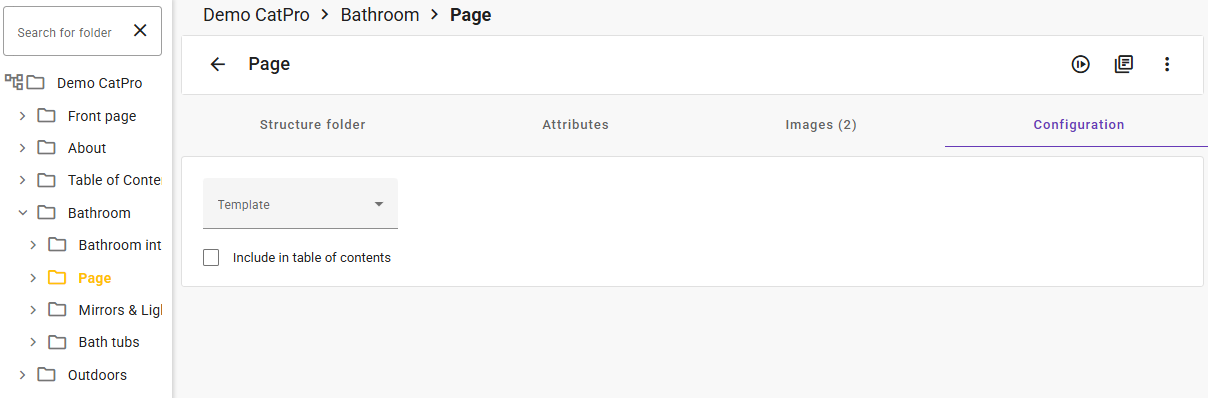
Step 1: Create a structure for the catalog
...