...
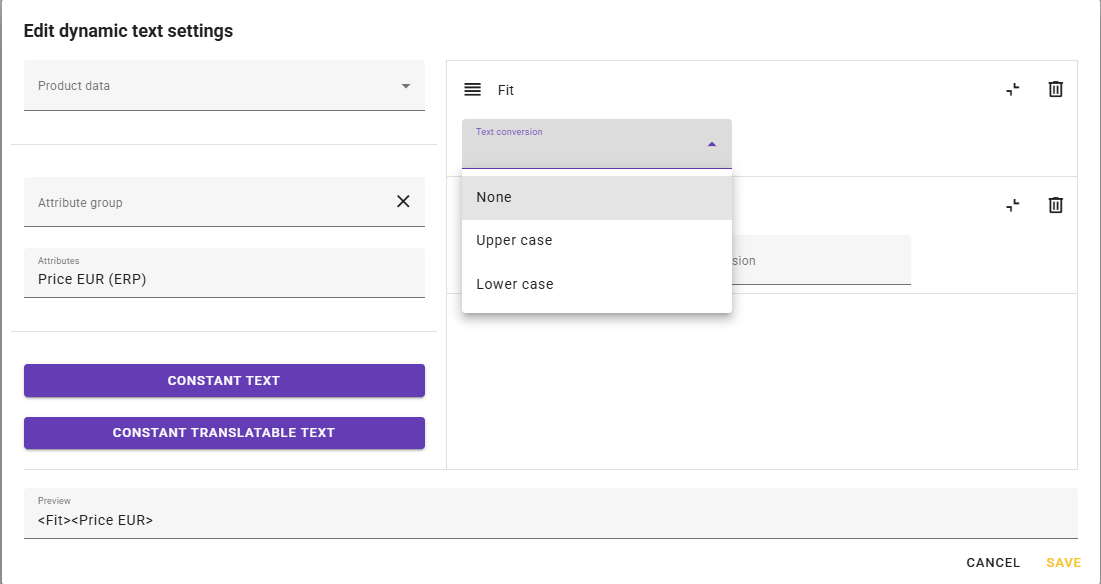
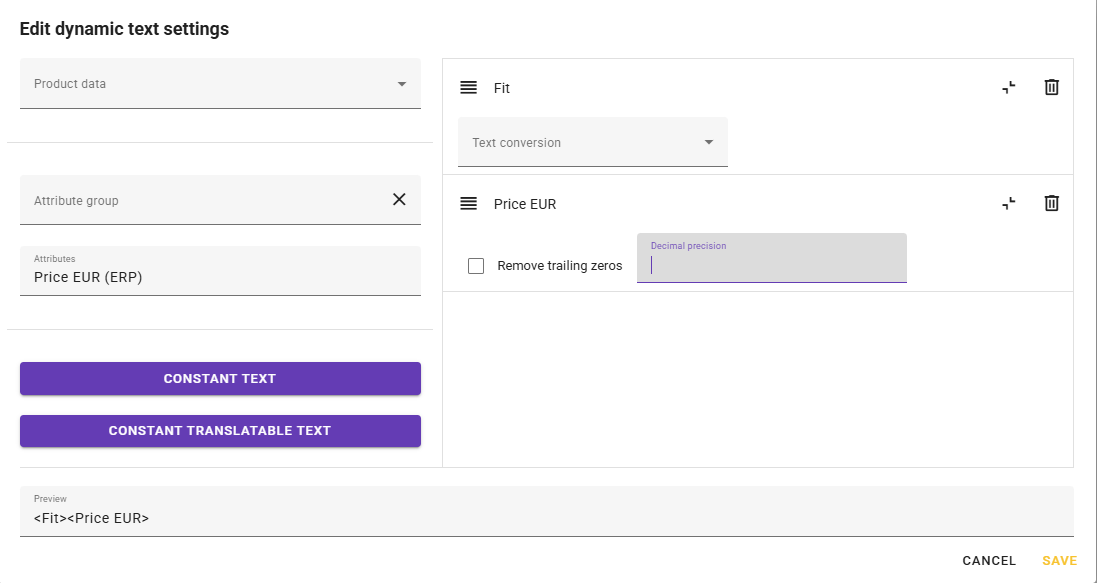
Formatting of dynamic texts In the configuration dialog for dynamic texts, supports both text and numbers. For text, you can choose uppercase, lowercase, or original value. For numbers, you can specify the number of decimals and whether trailing zeros should be removed. For example, if you choose 4 decimals and remove trailing zeros, 8.123456 becomes 8.1234, while 8.1200000 becomes 8.12. Click the angled brackets (<>) to the right of the mapping to view and change the formatting.