
You can create your own custom widgets for your dashboard.
Go to Settings → Custom Widget to create a new widget.
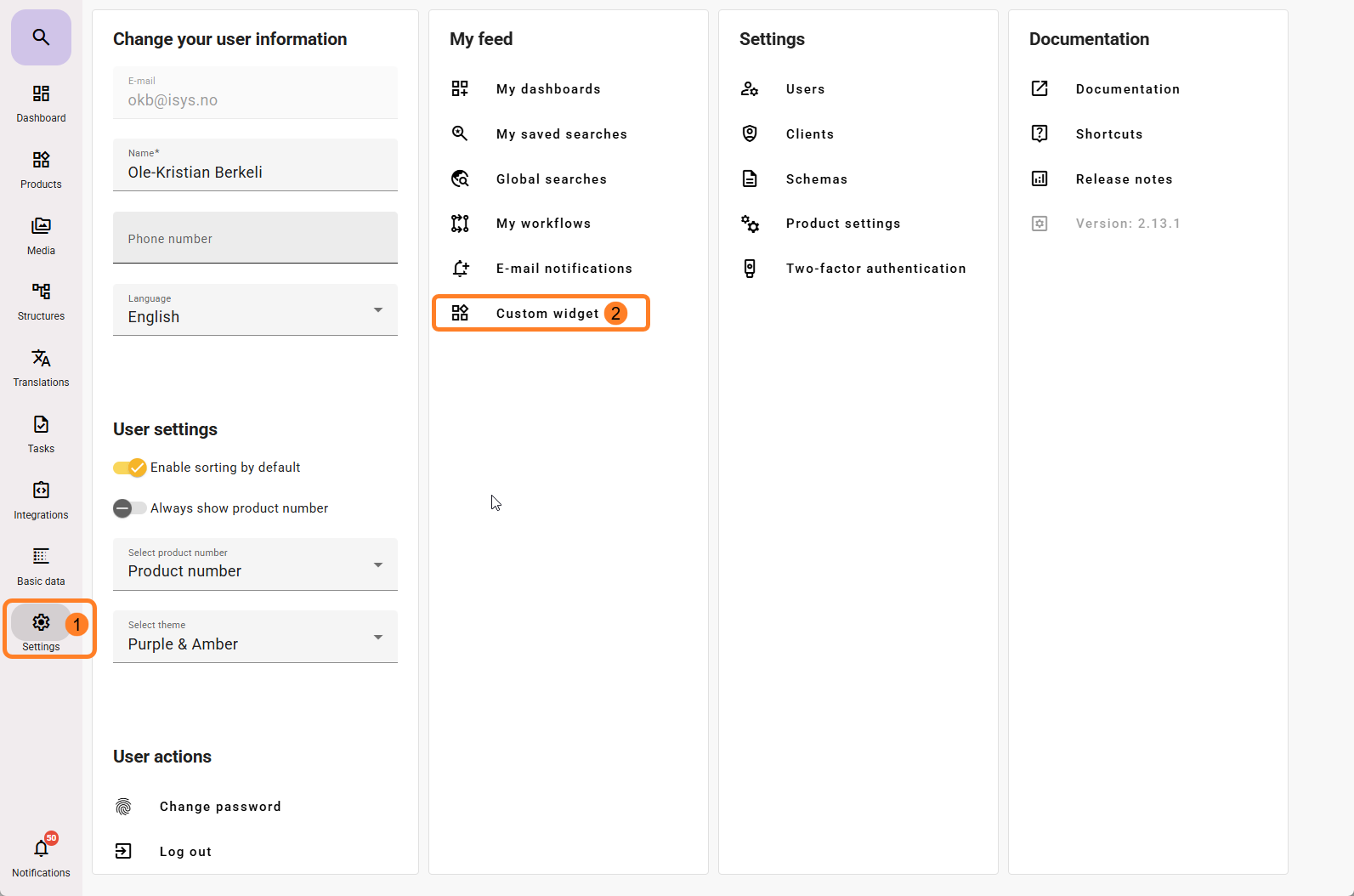
You must give the widget a name. This widget will be available to all feed users who can create dashboards, so make sure to add the name in the languages available in the feed if you have users using different languages.
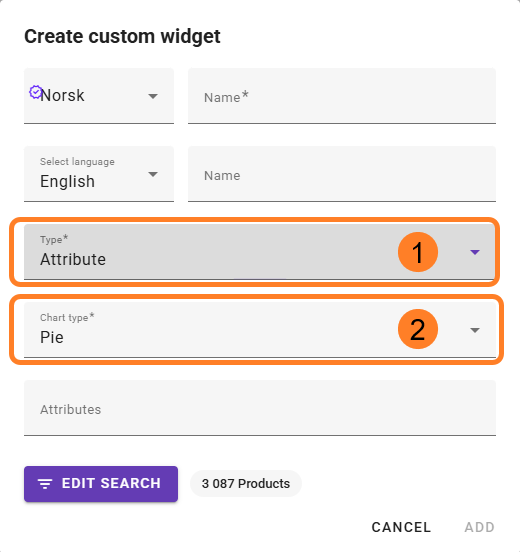
- Two types of widgets can be created:
- Attribute
- Completeness
- You can choose between the following chart types:
- Pie chart
- Donut chart
- Vertical bar
- Horizontal bar
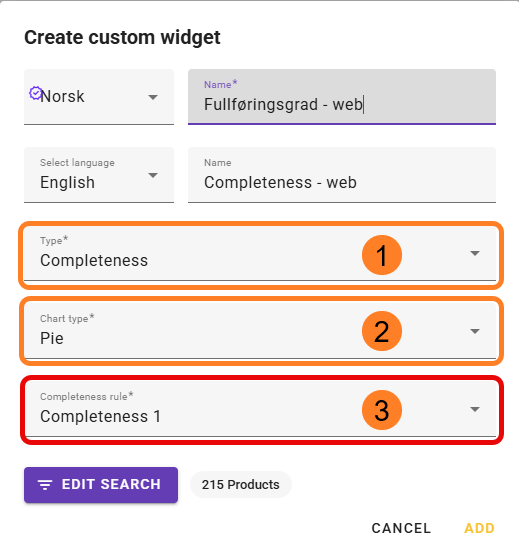
- The options in the bottom selection field change depending on which type you select in step 1.
Completeness requires that a configuration has already been created before you can make a widget based on it. This is done under the menu item:
Settings → Column Settings → Completeness
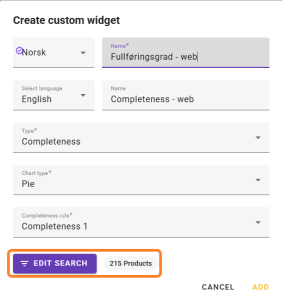
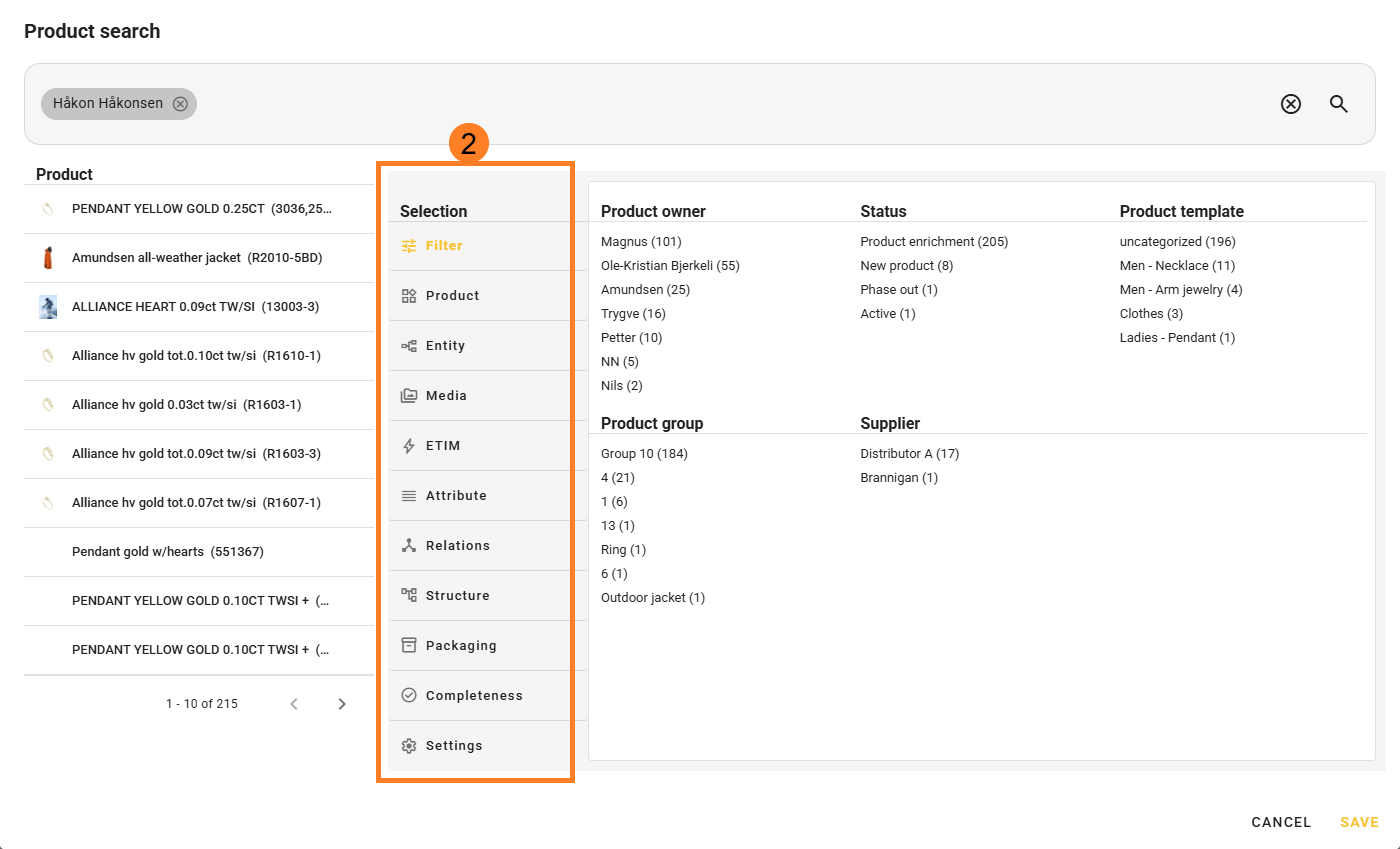
Edit Search allows you to filter which products should be included in the widget.
If you do not click this option and simply click Add, all active products will be included in the selection.
Once you have added the custom widget, it will be available to add to the dashboard. Read more about this here.